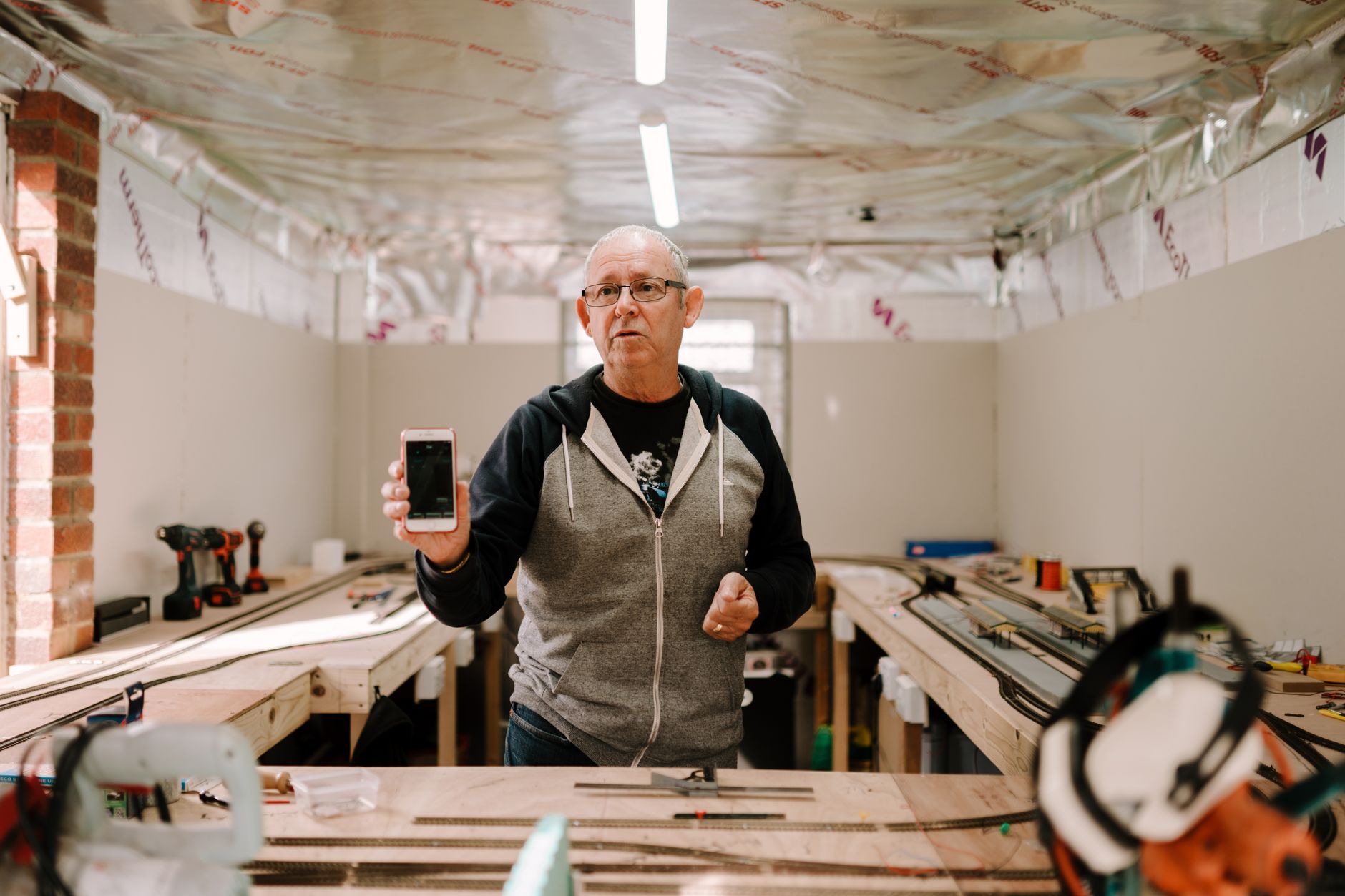
Making a voice quote between two jobs: the new reflex for busy tradespeople
Create and send a professional quote from the field in under 2 minutes, without sacrificing quality or precision
In brief: Create and send a professional quote from the field in under 2 minutes, without sacrificing quality or precision
Note: this article describes French rules and figures (tax thresholds, social contributions, e-invoicing schedule). They do not apply outside France.

In brief: A voice quote lets you create a complete quote right on site. No more need to go back to the office to copy everything out. Used well, it saves real time. You just need to double-check the amounts before sending.
Between two jobs, many tradespeople still juggle a notebook and a calculator. In the evening, they retype everything into a spreadsheet. Voice dictation changes this routine. You speak, the app transcribes, formats, then prepares the send. One question remains. Does it deliver on its promise on site, especially for large amounts and technical details?
How much time do you really save with voice dictation?
Time savings aren't measured only in minutes. They're also measured in avoided back-and-forth trips. A handwritten quote goes through several separate steps. You take notes on site. You go back to the office. You type it up, format it, then proofread. Voice dictation merges all these steps into a single sequence. Everything happens on site, in one go.

How much time is lost with a handwritten quote that gets copied out?
On site, note-taking is fast, but stays incomplete. A figure jotted down in a hurry, an approximate surface area, an abbreviated material. Back at the office, you have to decipher your own notes. Some details are missing: the exact address, the deadline promised to the client, the detail of a work item.
The actual data entry takes time. Every line has to be copied out, totals checked, layout done. A transcription error often means calling the client back. You then have to confirm a figure or a quantity. This back-and-forth delays sending the quote by several hours, sometimes an entire day.
How long does a quote take, from the first word dictated to sending?
With voice dictation, the sequence changes completely. The tradesperson states the job details out loud: client name, nature of the work, quantities, prices. The app transcribes the speech. It structures the information and generates an already formatted quote, ready to go straight away.
From the first word dictated to actual sending, the whole flow generally takes under two minutes. No trip to the office, no retyping on a computer. We've detailed this flow step by step in a dedicated article on on-site voice quotes. The stake here is different. It's about keeping this pace across several jobs in the same day, without losing precision.
Does voice dictation capture technical details well enough?
This is the question most tradespeople ask before adopting this reflex. A voice quote must remain reliable on figures and descriptions. Otherwise, it wastes more time than it saves.
Are dictated amounts reliable?
Amounts remain the most sensitive point of a voice transcription. A poorly picked-up figure can turn one amount into another, off by a zero. The risk exists especially at the end of words, or in a noisy environment.
The rule is simple. Any dictated amount must be reviewed before sending. This check takes a few seconds, no more. For a simple quote, with one or two line items, this check goes fast. For a quote with a large amount, or several priced lines, it's better to slow the pace. State the figures one by one.
Which job-site details does voice capture well, and which does it miss?
Some elements come across very well orally. Others require more attention.
| Captured well | Captured less well |
|---|---|
| Simple descriptions ("stone masonry", "drywall installation") | Jargon-heavy technical references (product codes, precise standards) |
| Short addresses and round quantities | Nuances of specifications (variants of the same material) |
| Nature of the work phrased in complete sentences | Complex execution details listed one after another |
Tradespeople starting out with voice dictation often benefit from rephrasing their sentences. Complete descriptions work better than isolated keywords. Voice recognition understands a well-formed sentence better than a string of technical terms.
How to avoid common pitfalls?
Job-site noise remains the first obstacle: drilling, radio, exchanges with the team. Stepping away for a few seconds into the van, or near the exit, noticeably improves transcription. Speaking too fast is also a problem. Trade acronyms and poorly articulated proper names also complicate the task.
A few reflexes limit errors:
- Speak at a steady pace, without rushing.
- Mark a short pause between each piece of information: client, address, item, amount.
- Immediately proofread the generated quote, before closing it.
- Correct a doubtful word or figure on the spot, rather than waiting.
How to send your quote to the client directly from the job site?
The second challenge, after accuracy, is speed of sending. The goal: wrap up the process before leaving the job site, while the client is still available.
Is a smartphone enough?
Yes. No computer is needed to create and send a voice quote. A simple connection, over 4G or wifi, is enough to run the app and transmit the document.
The advantage of a smartphone is that it's already in the tradesperson's pocket. The downside is the small screen, and a touch keyboard that's not practical for typing a long text. That's exactly what voice dictation gets around. No more need to type, just to speak.
How to finalise sending without leaving the job site?
Once the quote is dictated and transcribed, a quick proofread lets you check the amounts and the description of the work. The app usually lets you select the recipient client. The document is then sent directly by email, without going through another piece of software.
To stay credible, the final quote must keep a polished presentation: company details, quote number, legible amounts. It's this automatic formatting, not the input method, that makes the document professional.
Which tool should you choose for reliable voice quotes?
Not all dictation methods are equal for professional use. There's a real difference between jotting down an idea out loud and producing a quote ready to send.
Why aren't generic solutions enough?
Dictating into a voice recorder, then copying the text into a spreadsheet, remains a possible method. It does, however, have its limits. Nothing is automated. Formatting still has to be done by hand. There's no link with invoicing.
This kind of tool works for rough notes, taken quickly between two tasks. It doesn't work for a document intended for a client. That client expects a clear, itemised, presentable quote upon receipt.
What do specialised voice invoicing apps offer?
Some apps are designed specifically for this need. Built-in voice dictation, automatic transcription, generation of an already formatted quote, then sending. The tradesperson no longer has to juggle between several tools.
Quickote falls into this category. The app allows you to create a professional quote from a voice dictation, in under 60 seconds according to its presentation. It then generates the corresponding invoice. It states compliance with the Factur-X 2026 reform. On this specific point, here's the wording to remember: Quickote generates your invoices in Factur-X format. Connection to a Certified Platform (Plateforme Agréée), required for mandatory issuance from September 2027, is being finalised.
How to judge whether a tool is reliable for your multi-site business?
Before choosing, a few practical criteria help decide:
- Transcription accuracy, including in a noisy environment.
- The actual delay between dictation and sending the quote, before leaving the job site.
- An interface designed for outdoor use, on smartphone, with large buttons.
- Storage of quotes and client data, to find them easily from one job to another.
- Compliance of the document with the legal wording expected on a quote.
A test on a real case, before any commitment, remains the best way to check that the tool matches your way of working.
Does a quote created by voice remain professional and compliant?
This is often the last hesitation before adopting this reflex. The fear that a dictated document might seem less serious, or raise a compliance issue.
Will your client see the difference?
No, and that's the whole point. Once transcribed and formatted, the voice quote becomes a document identical to any professional quote. Logo, quote number, legal mentions, amounts clearly presented. The client has no way of knowing the document was created by voice, unless the tradesperson tells them.
What matters for the document's credibility isn't the input method. It's its legibility, the absence of errors, and the clarity of the amounts stated.
What compliance rules apply to electronic invoicing?
A quote, regardless of how it was created, must include certain essential pieces of information:
- The identity and contact details of the business.
- Its tax identification number.
- The date the quote was issued.
- A unique number.
- A detailed description of the planned work.
- The amounts, excluding and including tax, with the VAT applied.
As soon as the app correctly generates these details, a voice quote poses no compliance issue.
The topic becomes more concrete once this quote leads to an invoice. Two deadlines structure the Factur-X reform. Receiving electronic invoices becomes mandatory from 1 September 2026. This obligation applies to all VAT-liable structures, including micro-entreprises. Issuance follows a different schedule depending on company size. Large companies and mid-sized enterprises (ETI) start on 1 September 2026. SMEs, small businesses, and micro-entreprises will issue in electronic format from 1 September 2027.
An invoice not compliant with this format exposes you to a fine. It amounts to €15 excl. VAT per invoice, capped at €15,000 excl. VAT per year. The first irregularity is exempted if compliance is achieved within 30 days.
Another useful reference point for archiving: keep your quotes and invoices for ten years, from the closing of the financial year. This is the legal retention period for accounting documents, including for a micro-entreprise. A tool designed for this format right from the quote stage avoids having to change methods later.
What's the real benefit for your multi-site business?
The voice quote is not a universal solution. It has use cases where it excels, and others where a more careful approach remains preferable.
When to use voice dictation, and when to skip it?
It is particularly effective for a simple quote, priced quickly, on a small-scale job. A client in a hurry, present on site, who wants an answer before leaving: that's the ideal use case.
It's less so for a complex quote, with many line items, with a lot of figures to cross-check. It also doesn't replace the need for a plan or a photo attached to the document. In these situations, going back to the office to refine the pricing remains safer.
How to integrate this reflex into your daily routine?
Adoption works better gradually. A first test on a simple and recurring type of job lets you get familiar with the tool, without pressure. The voice script is the order in which you state client, address, work, quantities, and price. Once this script is well-rehearsed, usage naturally extends to multi-site days.
The benefit goes beyond simple time saved on a quote. Every minute not spent retyping notes in the evening is a minute given back to sales follow-up, reminders, and invoicing. This shift of office time towards field time really changes the organisation of a multi-site business.
Frequently asked questions
Sources
- Entreprendre — Service-Public (business procedures)
- Auto-entrepreneur — contributions and declarations (Urssaf)
- Taxes — professional area
- Electronic invoicing (impots.gouv.fr)
Create your first voice quote
Dictate your quote between two jobs: Quickote formats it in under 60 seconds, ready to send to your client.
Essayer Quickote gratuitement